Home / Security & Access
Sovereign protection.
Total privacy.
Security doesn’t
work in isolation.
It works with lighting to simulate occupancy while you’re away. It works with shading to clear escape routes the instant an alarm triggers. And it works entirely on a local Loxone Miniserver inside your home — core security logic processed locally, with connected services considered separately.
A considered entrance.
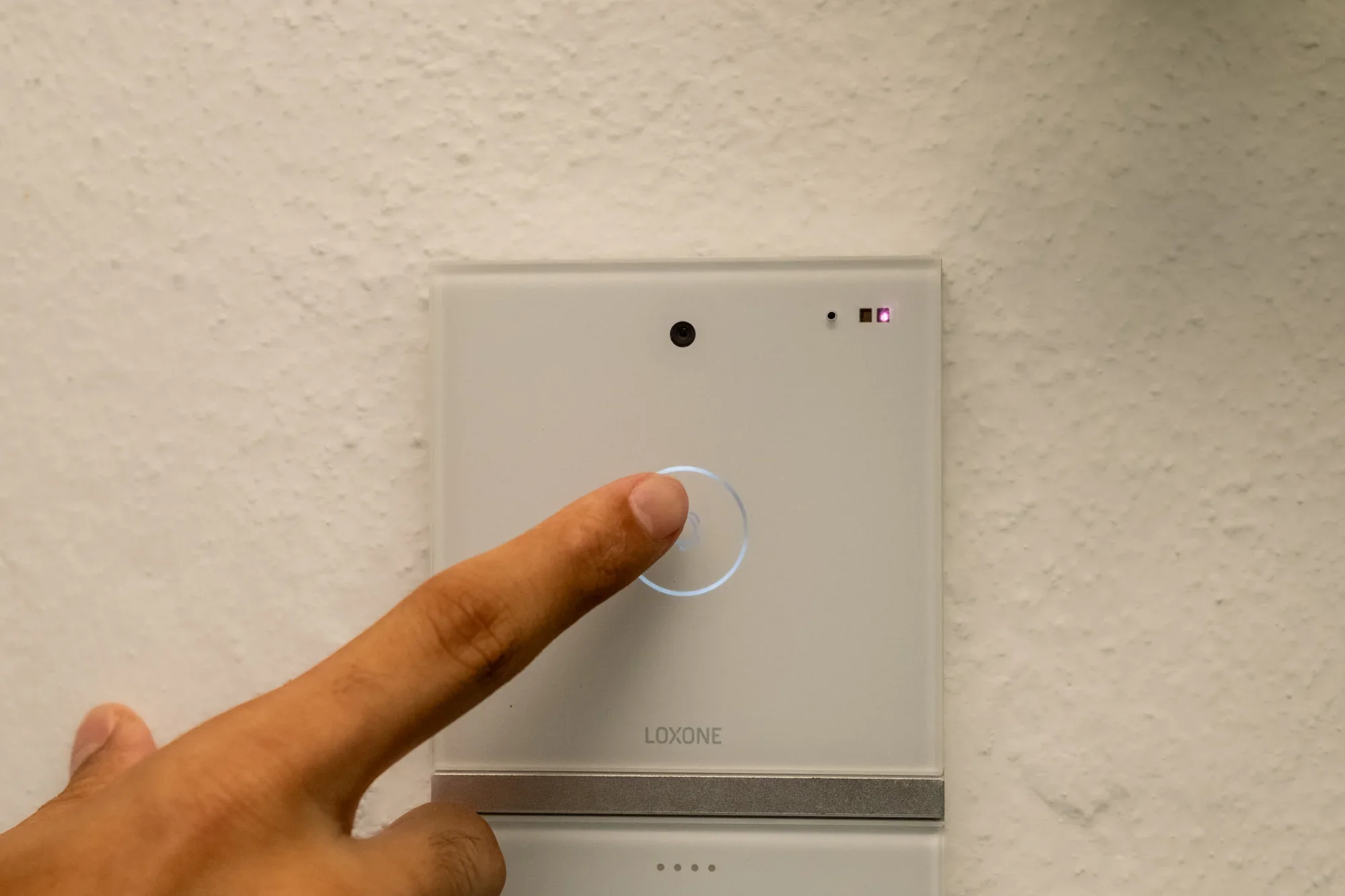
Sebastian’s house — an intercom in use.
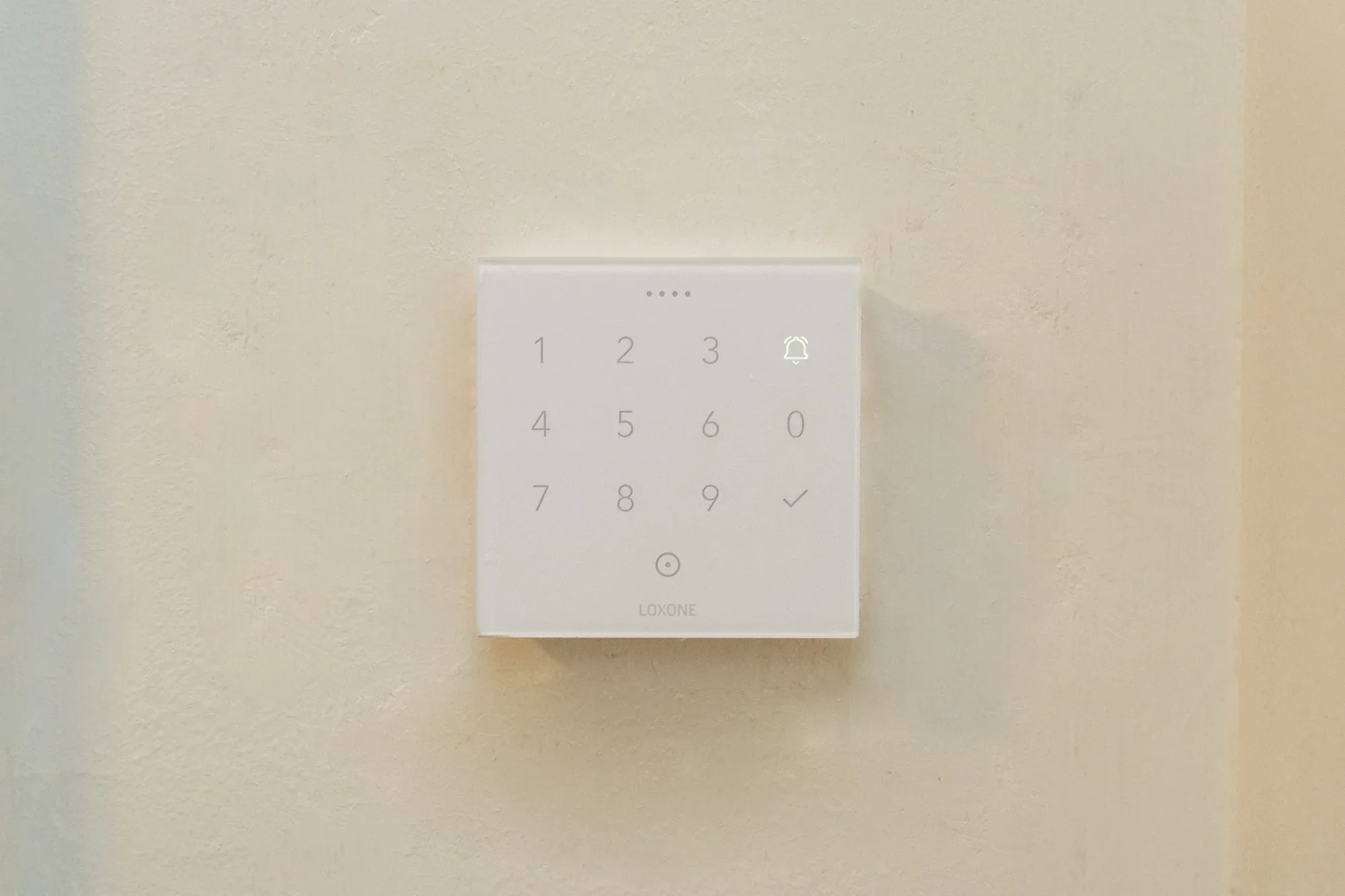
An entrance with a
considered response.
Recognise access
Apply permission
Welcome, or alert
Technology notes: NFC Code Touch Tree ↗ · Intercom ↗
It doesn’t just alert
you. It responds.
Most security systems notify you after something has already happened. Grapes systems respond in the moment — lighting and shading working together to simulate occupancy while you’re travelling, deterring intrusion before it’s attempted.
In a fire, the same intelligence works in your favour — compatible shading and lighting can form part of an agreed response; the emergency strategy, equipment and backup power must be specified together.
Key features of
sovereign security.
Local at its core
Multi-Method Access
CCTV Integration
Occupancy Simulation
Fire & Alarm Response
Perimeter Monitoring
Panic Scene Automation
Remote Monitoring
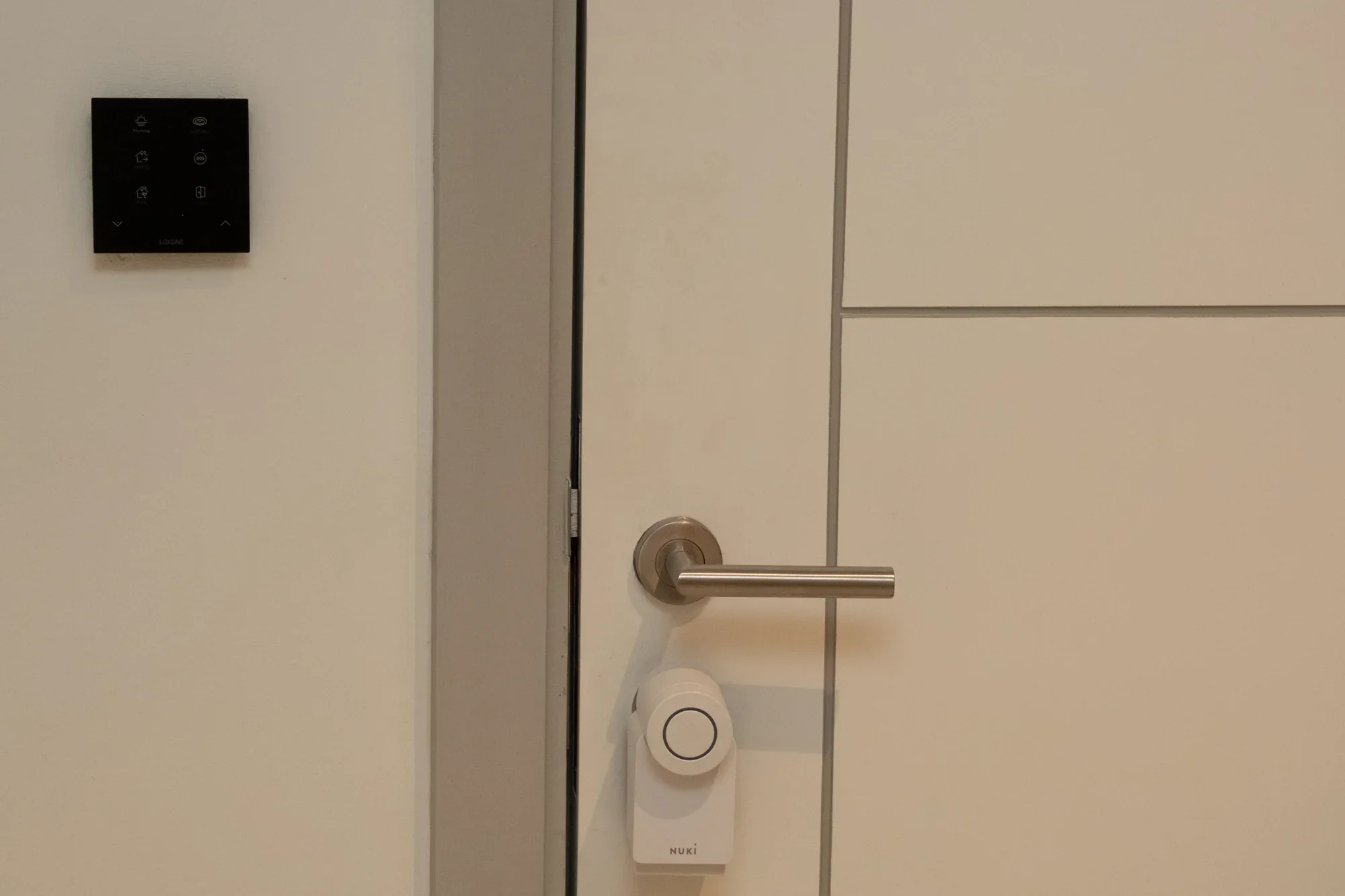
Oliver’s house
Any entry point, one system.
One app. Total visibility.
The right components,
thoughtfully connected.
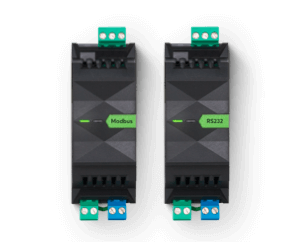
| Component | Its role in the system | Specification focus |
|---|---|---|
| NFC Code Touch Tree | Recognises authorised NFC tags and keypad codes. Access can be time-limited or issued for one use. | NFC · Code · Configurable permissions |
| Compatible lock / door interface | Carries out the unlock command for the chosen door or gate. | Lock hardware and exit behaviour specified together |
| Loxone Intercom | Brings visitor video, conversation and agreed door actions into the Loxone app. | Remote use needs connectivity |
| Presence and opening sensors | Feed movement and door/window status into the agreed alarm logic. | Selected areas and entry points |
| Smoke detection and response | Can trigger agreed lighting and shading actions where the required equipment is included. | Emergency and backup-power scope defined per project |
| Loxone Miniserver | Processes the core security logic within the property. | Local processing · User permissions |
Sovereign security for
every kind of space.
Residential
Commercial
Hospitality
How secure is this system, really?
Core security logic runs on the Miniserver inside the property. We consider access permissions, the local network, remote access and any connected services as part of the security design.
What happens if there's a power cut?
Security equipment needs power to operate. A correctly sized backup supply can support selected essential equipment during an outage; the protected devices and runtime are defined in the project design.
Can I integrate my existing CCTV cameras?
In many cases, yes. We assess your existing CCTV setup during consultation and integrate compatible systems directly into the Loxone app.
Can family members each have their own access method?
NFC Code Touch supports individual NFC tags and codes, with permissions set around the household. App access can also be assigned to authorised users. Fingerprint access requires separately specified compatible hardware; it is not a feature of NFC Code Touch.
Do I need internet access for security to work?
Core automation runs locally and continues without an internet connection while the required equipment remains powered. Remote access and connected online services need an internet connection.
Is there an ongoing subscription cost?
Core local automation has no mandatory monthly subscription. Optional online services, third-party subscriptions and separately agreed support are considered individually.