Home / Architectural Shading
Shading that moves
with your day.
Shading doesn’t
work in isolation.
It understands the room, the rhythm of your day, and how you actually live in it. Shading uses daylight with intention — letting in warmth while keeping excess heat out. Working together with climate control, it naturally helps maintain the right temperature without you lifting a finger.
Daylight, privacy and
comfort in conversation.
Read the conditions
Choose the position
Move with purpose
Technology notes: Automatic Shading ↗ · Weather Station Tree ↗
Curtains as part of the room.
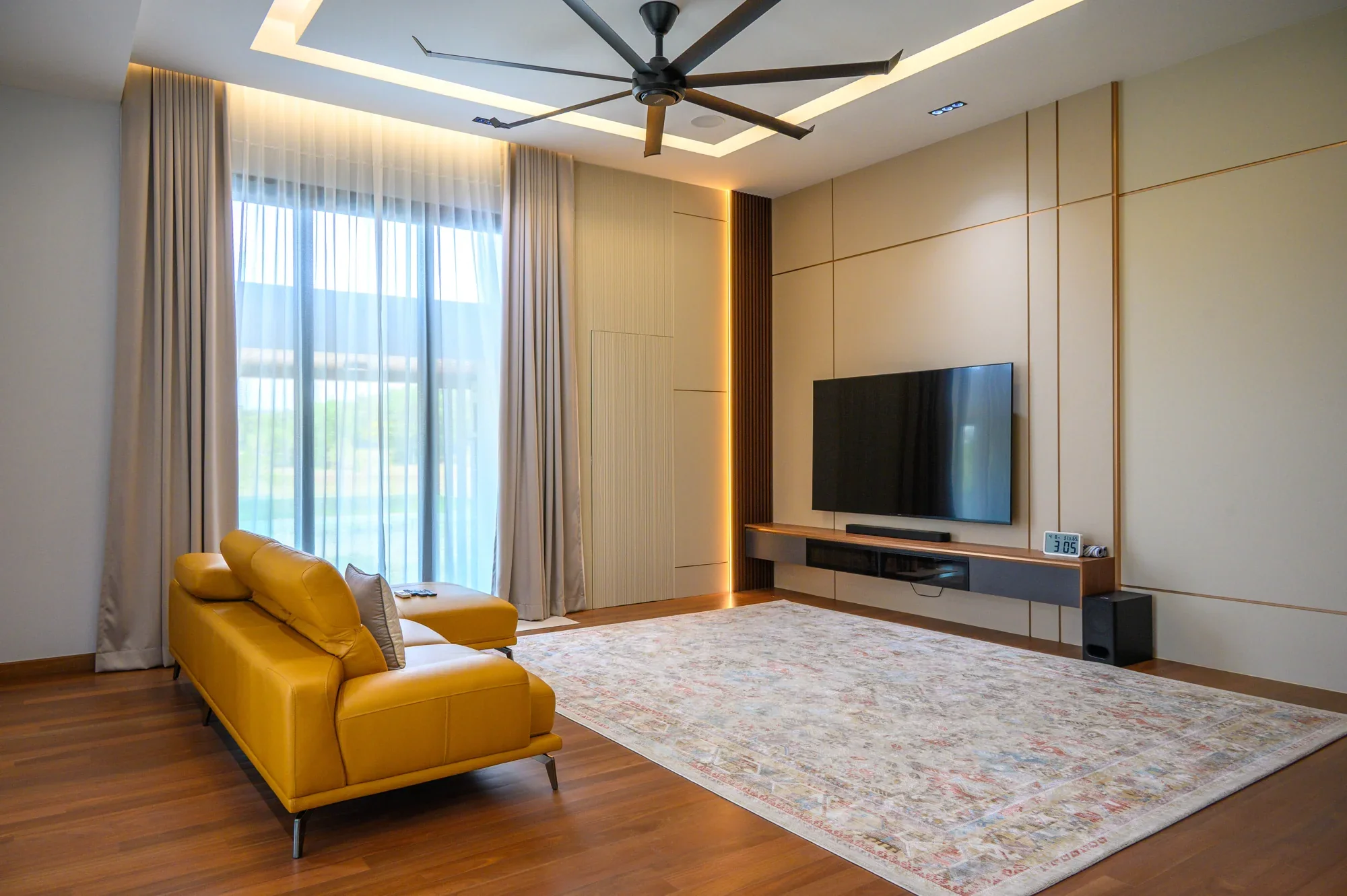
Masnawi’s house — the room with its curtains open.
Key features of
intelligent shading.
Temperature Control
Sun Tracking
Active Storm Protection
Freeze Protection
Presence-Based Control
Security Interaction
Gentle Awakening
Scene Integration
It considers the
people in the room.
In the evening, shading closes automatically to protect your privacy. Compatible door contacts can inhibit or adjust shading movement when a balcony or patio door is open.
Your home even thinks for itself in an emergency. In the event of a fire, compatible shading can be included in a defined emergency response. As part of your security system, it can simulate occupancy while you’re away — an added layer of protection against intrusion.
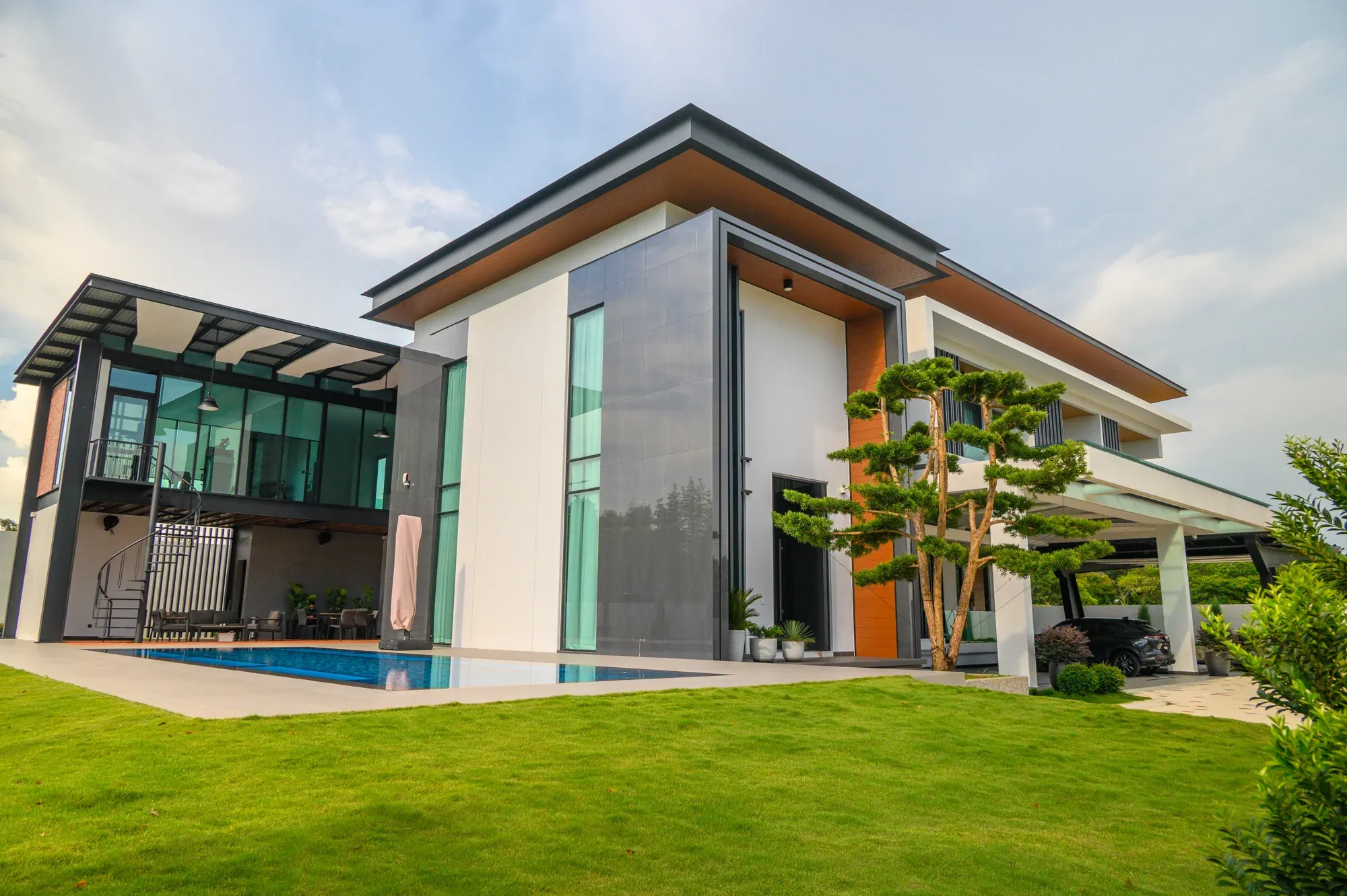
Masnawi’s house
Living in a smart home has made everyday life so much easier. From lights that respond automatically to our presence, to curtains, security, and music that work together seamlessly, everything feels effortless.
My favourite feature is Night Mode. With everything taken care of automatically, I can simply relax knowing the house is ready for the night.
The best part is having everything in one app. It’s simple, convenient, and something my whole family enjoys.
“Encik Faris”
Homeowner | Setia Alam, Selangor
Any sun protection,
one system.
One tap. Exactly the
atmosphere you want.
The right components,
thoughtfully connected.
| Component | Its role in the system | Specification focus |
|---|---|---|
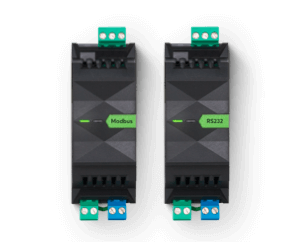
| Shading actuator / motor controller | Operates compatible curtains, blinds, shutters or awnings. | Chosen to suit the motor and supply |
| Position control | Uses the control and position information available from the specified drive. | Travel times, end limits and feedback checked |
| Weather Station Tree | Supplies wind, rain, brightness and temperature measurements. | Placement and exposure matter |
| Automatic Shading logic | Combines the sun’s position and room comfort needs with the agreed shading behaviour. | Configured for each façade and shading type |
| Door / window contacts | Can pause or adjust shading behaviour when a connected opening is in use. | Commissioned response |
| Loxone Touch Pure | Lets occupants adjust shading or recall a complete room scene. | Manual control remains available |
Smart shading for
the right conditions.
Residential
Commercial
Hospitality
Can I set custom settings for individual rooms?
Yes. Each shading zone can be customized depending on the room, its use, and your personal preference — every area gets the right control solution.
Can shading be scheduled into daily scenes?
Yes. Shading integrates with lighting and every other system — soft light in the morning, shade during the day, open blinds for a cosy evening. All coordinated, all automatic.
Can I control shading while I'm away?
With the Loxone app, your shading is under your control anywhere — at home or on the go. Convenient, intuitive, and fully secure.
Is automated shading actually energy-efficient?
Automated shading can limit solar heat gain and reduce cooling demand. The result depends on the glazing, orientation, shading design and how the building is used.
Can I retrofit my existing blinds or shutters?
In many cases, yes. Existing electric shutters or blinds can often be integrated directly into the shading control system — ideal for renovation projects.
What happens during a storm?
With suitable weather sensing, the system can move compatible shading to its configured wind-alarm position. The threshold and position are selected for the shading equipment and its installation.